
GitHub moved every Copilot plan to usage-based AI Credits on June 1, 2026, with one credit equal to a cent of model usage. Sessions now stop when the credits run out, since GitHub removed the old fallback to a cheaper model.
That billing change, plus Copilot's limits on agentic work and large codebases, is why many developers are shopping for a GitHub Copilot alternative right now.
If you're one of them, the strongest options are Cursor for an AI-native editor, Claude Code for terminal-driven agent work, and Cline for free open-source model freedom.
I shortlisted 19 alternatives from a wider field, comparing them on pricing model, model flexibility, autonomy, privacy, and IDE fit. I grouped them by how you like to work, since workflow matters more here than any benchmark.
Here's the ranked list, what each tool does well, honest pros and cons, current pricing, and who it fits. I've flagged the tools that changed status in 2026, since several went enterprise-only and stale lists still recommend them.
19 best GitHub Copilot alternatives: TL;DR
Here's the shortlist, with what each one does best:
- Cursor: Best all-round AI-native IDE
- Claude Code: Best terminal-native autonomous agent
- OpenAI Codex: Best for ChatGPT-native coding workflows
- Windsurf (now Devin Desktop): Best agent-first IDE for newcomers
- Cline: Best free open-source, model-agnostic agent
- Aider: Best git-native terminal pair programmer
- OpenCode: Best provider-agnostic open-source CLI
- Kilo Code: Best open-source VS Code agent
- Tabby: Best self-hosted open-source assistant
- Zed: Best high-performance editor with BYOK
- JetBrains AI and Junie: Best for JetBrains IDE users
- Gemini Code Assist: Best for Google Cloud and Firebase teams
- Google Antigravity: Best free agent-first IDE in preview
- Amazon Kiro: Best for AWS teams and spec-driven development
- Tabnine: Best for air-gapped, privacy-critical teams
- Sourcegraph Cody: Best for huge multi-repo codebases
- Augment Code: Best for large legacy codebases
- Qodo: Best for test generation and code integrity
- Replit: Best cloud IDE with a built-in agent
Why look for a GitHub Copilot alternative?
GitHub Copilot is still a capable default. It works across six IDEs, integrates natively with GitHub, and its $10/month Pro tier remains the cheapest paid entry in the category. A few things push developers to look elsewhere.
The June 2026 billing change. GitHub moved Copilot to usage-based billing on June 1, 2026, replacing premium requests with token-metered AI Credits. GitHub also retired annual plans.
Weaker agentic depth. Copilot's agent mode improved in 2026, and it still needs more checkpointing than Cursor's Composer or Claude Code on open-ended, multi-file refactors.
Context limits on large codebases. Copilot's suggestions get less reliable as projects grow and its context window fills.
In Qodo's 2025 State of AI Code Quality report, a survey of 609 developers found that 65% of those using AI for refactoring said the assistant misses relevant context, ahead of hallucinations as a complaint.
Privacy and data control. Teams in regulated environments often need self-hosted or air-gapped deployment, which Copilot doesn't offer. That single requirement rules it out for some organizations.
Which GitHub Copilot alternative should you choose?
Here's the quick version before the deep dives, with the tradeoff each one carries:
- Choose Cursor if you want the most complete AI-native editor with agent mode. At $20/month, it costs double Copilot Pro.
- Choose Claude Code if you want deep autonomous multi-file work from the terminal. The workflow takes adjustment if you prefer a visual IDE.
- Choose OpenAI Codex if you already pay for ChatGPT and want a sandboxed agent. It ties you to OpenAI models.
- Choose Devin Desktop if you're new to agentic coding and want visual approval at each step. The June rebrand left documentation scattered.
- Choose Cline if you want a free, model-agnostic agent for both IDE and CLI. Setup and key management fall on you.
- Choose Aider if you want git-native terminal editing with automatic commits. It runs terminal-only, with no visual interface.
- Choose OpenCode if you want free models out of the box plus 75+ providers to route. Output quality tracks the model you connect.
- Choose Kilo Code if you want an open-source agent inside VS Code. Its community is smaller than Cline's.
- Choose Tabby if you need to self-host everything on your own hardware. Community caps at 5 users, and Team costs $19/seat/month.
- Choose Zed if you want the fastest editor and BYOK with no markup. Its extension library is smaller than VS Code's.
- Choose JetBrains AI and Junie if you work in IntelliJ or PyCharm and want native agentic help. AI arrives bundled with an IDE subscription from $19.90/month.
- Choose Gemini Code Assist if you build on Google Cloud and want native Firebase and Cloud integration. Google ended the free individual tier in June 2026.
- Choose Google Antigravity if you want to test agent-first workflows at no cost. Pricing after the preview remains unannounced.
- Choose Amazon Kiro if you run on AWS and want spec-first delivery. Credit metering makes heavy use unpredictable.
- Choose Tabnine if you need air-gapped deployment. It starts at $39/user/month with no free individual tier.
- Choose Sourcegraph Cody if you need to search dozens of repositories at once. Enterprise plans start at $16K.
- Choose Augment Code if you maintain a large legacy codebase and want persistent agent context. Business costs $100/month flat for up to 50 seats.
- Choose Qodo if test coverage and code-quality gates matter most. Its free option is a 14-day trial.
- Choose Replit if you want to build in the browser with no local setup. Effort-based pricing varies month to month.
- Stick with GitHub Copilot if you want the cheapest paid option, the widest IDE support, native pull-request integration, and a credit model that fits your usage.
19 best GitHub Copilot alternatives: at a glance
Here's how the 19 compare at a glance:
| 💻 Tool | 🧠 Category | 🎯 Best for | 💰 Starting price (monthly) |
|---|---|---|---|
| Cursor | AI IDE | All-round AI editing | $20/month |
| Claude Code | Terminal agent | Autonomous refactors | $20/month |
| OpenAI Codex | Terminal and cloud agent | ChatGPT workflows | $20/month |
| Windsurf (Devin Desktop) | AI IDE | Beginner-friendly agents | $20/month |
| Cline | IDE and CLI agent | Model freedom | Free (BYOK) |
| Aider | Terminal agent | Git-native editing | Free (BYOK) |
| OpenCode | Terminal agent | Provider breadth | Free |
| Kilo Code | IDE agent | Open-source VS Code | Free (BYOK) |
| Tabby | Self-hosted | On-prem open source | Free (5 users) |
| Zed | AI editor | Speed and BYOK | $10/month |
| JetBrains AI and Junie | IDE-native | JetBrains users | $19.90/month |
| Gemini Code Assist | IDE extension | Google Cloud teams | $22.80/user/month |
| Google Antigravity | Agent-first IDE | Free preview access | Free (public preview) |
| Amazon Kiro | AI IDE | AWS and spec-driven | $20/user/month |
| Tabnine | Enterprise assistant | Air-gapped privacy | $39/user/month |
| Sourcegraph Cody | Enterprise assistant | Multi-repo context | From $16K/year |
| Augment Code | Enterprise agent | Legacy codebases | $100/month |
| Qodo | Test and review | Test generation | $30/month |
| Replit | Cloud IDE | Browser-based building | $20/month |
Pricing correct as of August 2026. Verify with the vendor, since this category changes monthly.
1. Cursor
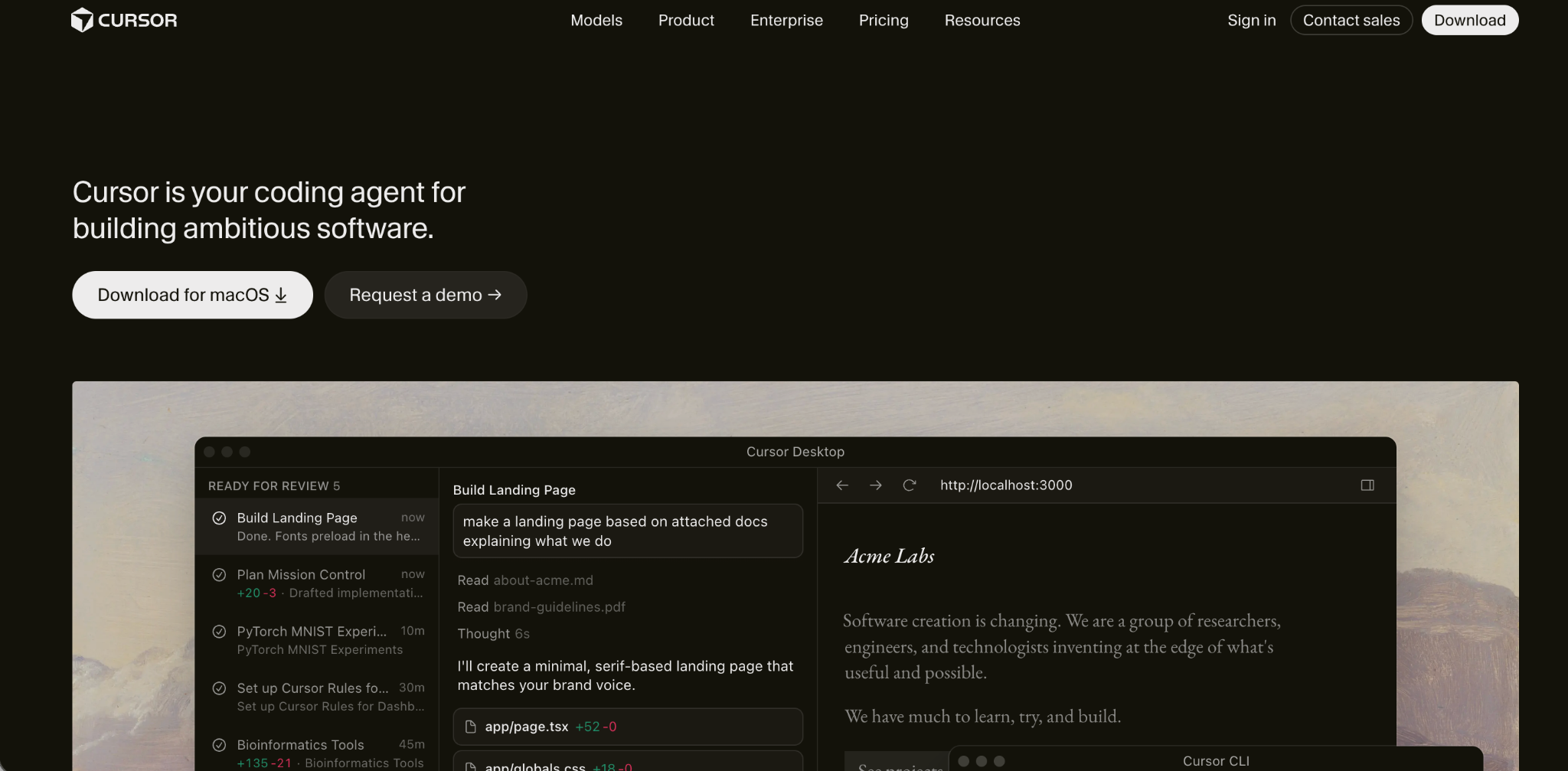
Cursor is the best all-round GitHub Copilot alternative and the tool most developers land on after leaving.
It's an AI-first fork of VS Code, so your extensions and keybindings carry over. Composer agent mode handles multi-step tasks, and you route requests across Claude, GPT, and Gemini as needed.
Key features
- Composer agent mode: Autonomous multi-step, multi-file task execution.
- Model routing: Switch frontier models per request.
- Codebase awareness: Indexes your whole workspace for context.
Pros
- ✅ The most complete AI editing experience here.
- ✅ Model flexibility Copilot's core tier lacks.
- ✅ Familiar VS Code environment with visual diffs.
Cons
- ❌ Double Copilot Pro's price at $20/month.
- ❌ Credit costs climb once you leave Auto mode.
Best for
- Developers wanting an AI-native editor.
- Refactor-heavy and greenfield work.
Pricing
Cursor is free on the Hobby tier. Paid plans start at $20/month for Pro, $40/user/month for Teams, and $200/month for Ultra. See Cursor's pricing. Our Cursor competitors guide compares the field.
2. Claude Code
Claude Code is the best GitHub Copilot alternative for autonomous, terminal-native work on complex codebases.
Anthropic's agent reads a repository, plans multi-step changes, edits files, runs tests, and self-corrects with little supervision. It leads on deep refactors where Copilot needs hand-holding.
Key features
- Sub-agents: Fan out parallel work across a codebase.
- MCP support: Connect external tools and services.
- Large context: Reads widely before making changes.
Pros
- ✅ Deepest autonomous execution in this list.
- ✅ Strong benchmark performance on complex tasks.
- ✅ Runs in VS Code and JetBrains as well as the terminal.
Cons
- ❌ The terminal-first workflow has a learning curve.
- ❌ Usage costs climb fast on heavy sessions.
Best for
- Complex multi-file refactors and migrations.
- Developers comfortable delegating to an agent.
Pricing
Claude Code includes Claude Pro for $20/month. Max tiers cost $100/month and $200/month. Our Claude Code pricing guide has the full numbers.
3. OpenAI Codex
OpenAI Codex is the best GitHub Copilot alternative for developers already working inside ChatGPT.
It's a sandboxed agent available as a CLI, IDE extension, and cloud service, tuned for OpenAI's models and bundled into ChatGPT plans you may already pay for.
Key features
- Multi-surface: Works via CLI, IDE, and cloud.
- Sandboxed execution: Runs tasks in isolation.
- Cloud delegation: Hands off tasks that open pull requests.
Pros
- ✅ Strong terminal benchmark performance.
- ✅ Open-source CLI.
- ✅ Included with ChatGPT subscriptions.
Cons
- ❌ Tuned for OpenAI models, so less model-agnostic.
- ❌ Credits deplete on heavy agent runs.
Best for
- Teams already using OpenAI models.
- Delegating bounded tasks to a cloud agent.
Pricing
Codex comes with ChatGPT Plus at $20/month. ChatGPT Pro costs $200/month. See OpenAI's Codex page.
4. Windsurf (now Devin Desktop)
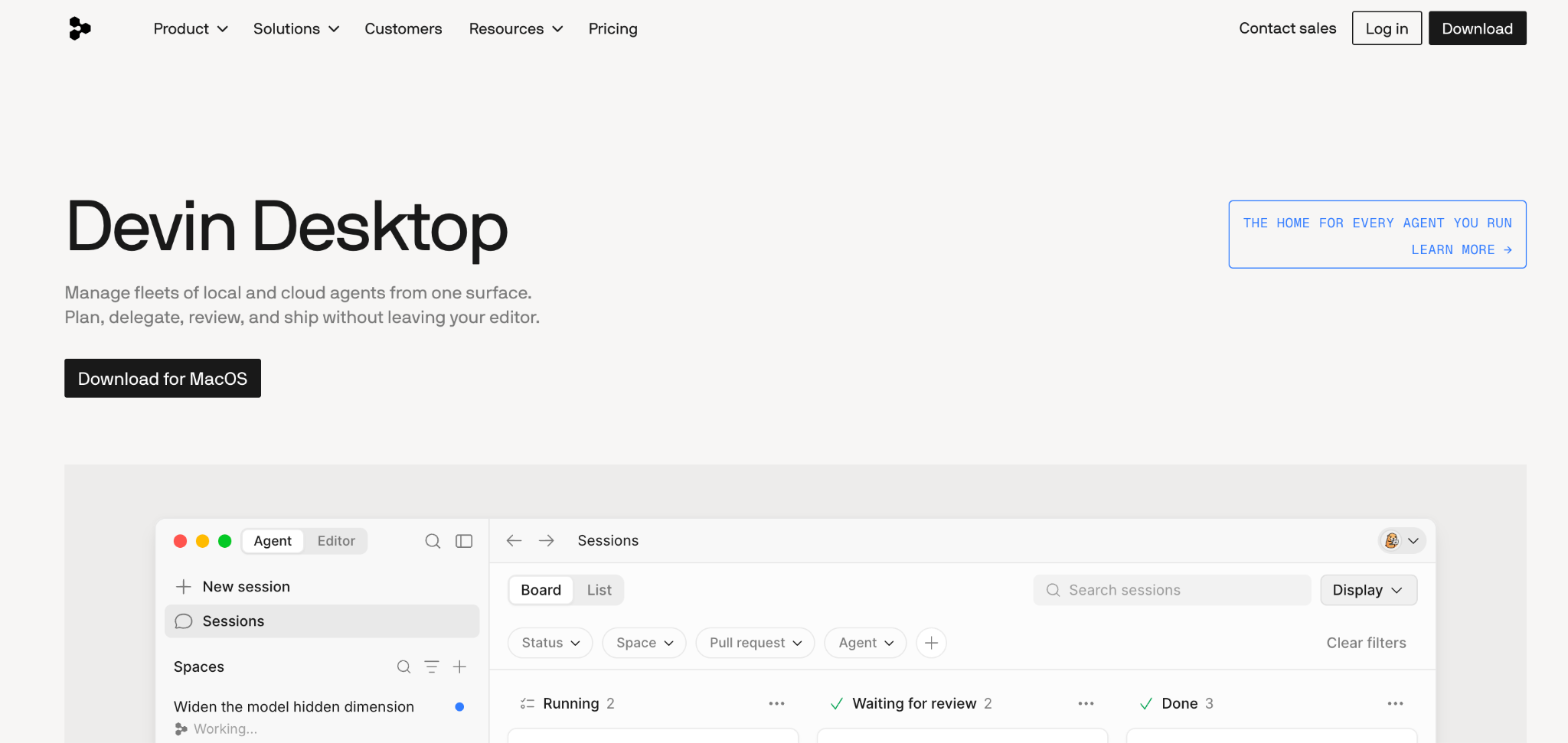
Windsurf, now Devin Desktop, is the best GitHub Copilot alternative for developers new to agentic coding. We also compare it in Windsurf vs Claude Code.
Cognition rebranded Windsurf as Devin Desktop in June 2026. Its Devin Local agent, which replaced the retired Cascade engine, handles multi-file edits with visual approval at each step.
Key features
- Devin Local agent: Multi-step edits with diff approval.
- Codebase indexing: Deep project context.
- Free tier: Agent mode at no cost.
Pros
- ✅ The gentlest learning curve of the AI IDEs.
- ✅ Usable free tier.
- ✅ Cloud, hybrid, and self-hosted options for teams.
Cons
- ❌ Pro rose from $15/month to $20/month in March 2026.
- ❌ The Devin Desktop rebrand caused documentation churn.
Best for
- Developers trying agentic coding for the first time.
- Teams wanting deployment flexibility.
Pricing
Devin Desktop is free with a daily quota. Paid plans start at $20/month for Pro, $80/month for Teams (plus $40/seat), and $200/month for Max. See Devin Desktop pricing.
5. Cline
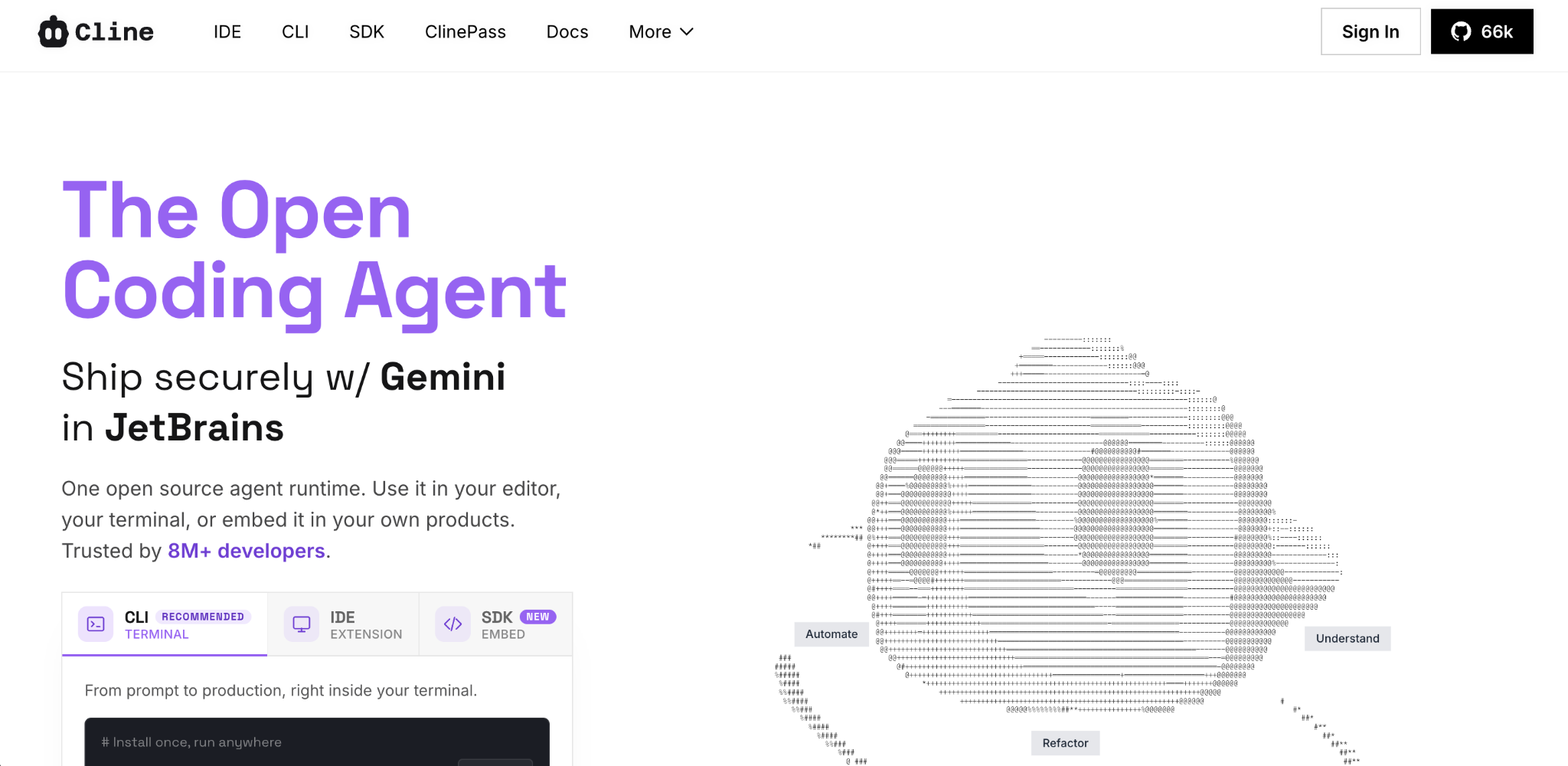
Cline is the best free open-source GitHub Copilot alternative for model-agnostic coding.
It runs across IDE, CLI, and SDK, pointing at any model you supply, from Claude to GPT to a local Ollama model. You pay only for token usage.
Key features
- Model-agnostic: Bring any key or run local models.
- Multi-surface: IDE, CLI, and SDK.
- MCP support: Connect external tools.
Pros
- ✅ Free and open-source, so you pay only for tokens.
- ✅ Full model freedom, including local models.
- ✅ Fast-growing community.
Cons
- ❌ Setup and key management fall on you.
- ❌ No managed support.
Best for
- Developers wanting model freedom and BYOK value.
- Privacy-conscious teams running local models.
Pricing
Cline is free and open-source. You pay your model provider per token. See Cline's site.
6. Aider
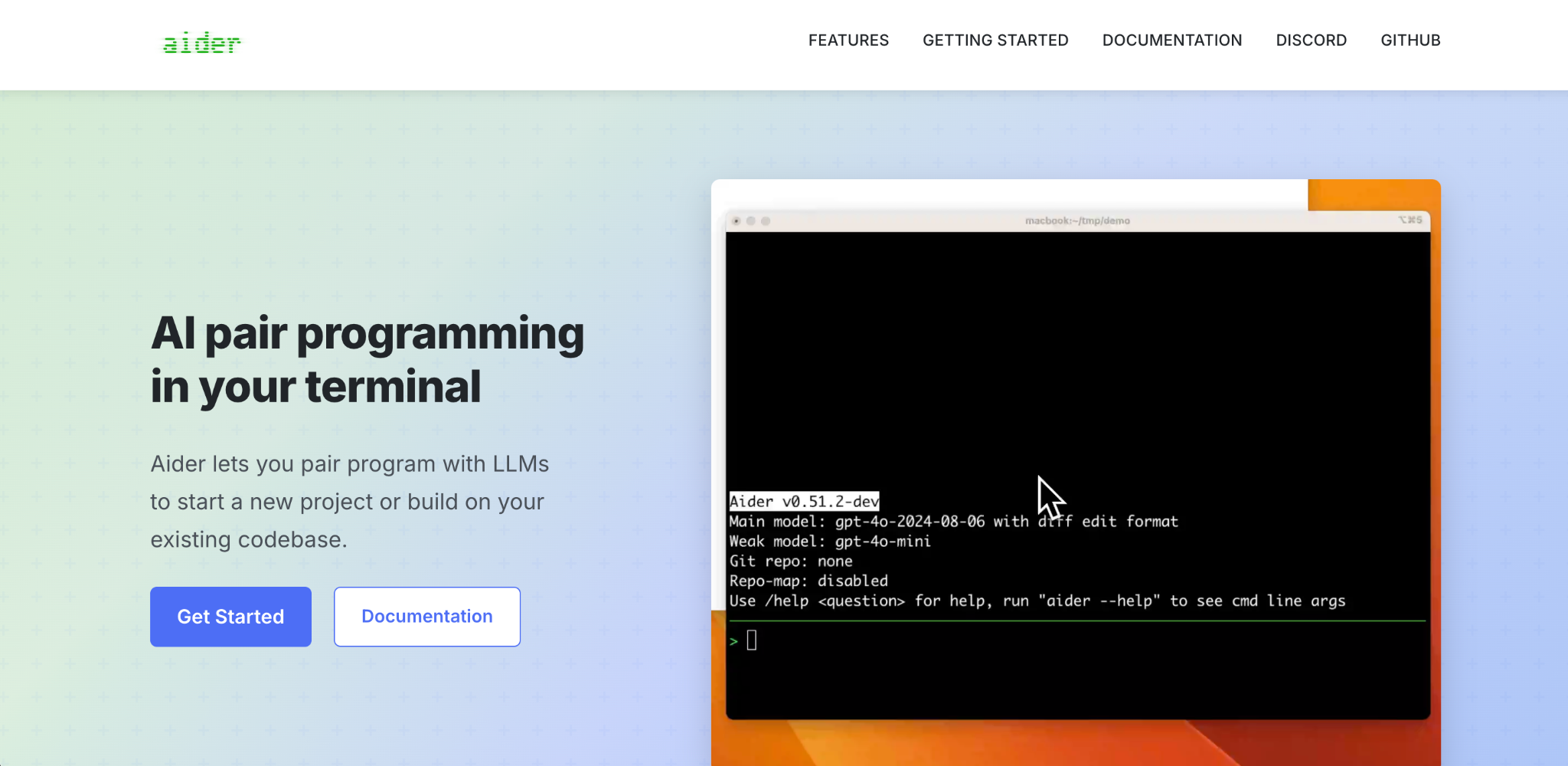
Aider is the best GitHub Copilot alternative for git-native terminal pair programming.
The original AI CLI coding tool stages every change as a descriptive git commit automatically and connects to Claude, GPT, DeepSeek, or local models per run.
Key features
- Git-native: Auto-commits each change with a message.
- Model flexibility: Any provider per run.
- Lightweight: Minimal, fast terminal workflow.
Pros
- ✅ Free, open-source, and widely adopted.
- ✅ Deeper git integration than any tool here.
- ✅ Works with local models.
Cons
- ❌ Terminal-only, with no visual interface.
- ❌ Less autonomous than agentic tools.
Best for
- Developers who want clean version control.
- Users valuing a lightweight, proven tool.
Pricing
Aider is free and open-source. You pay your model provider per token. See Aider's site.
7. OpenCode
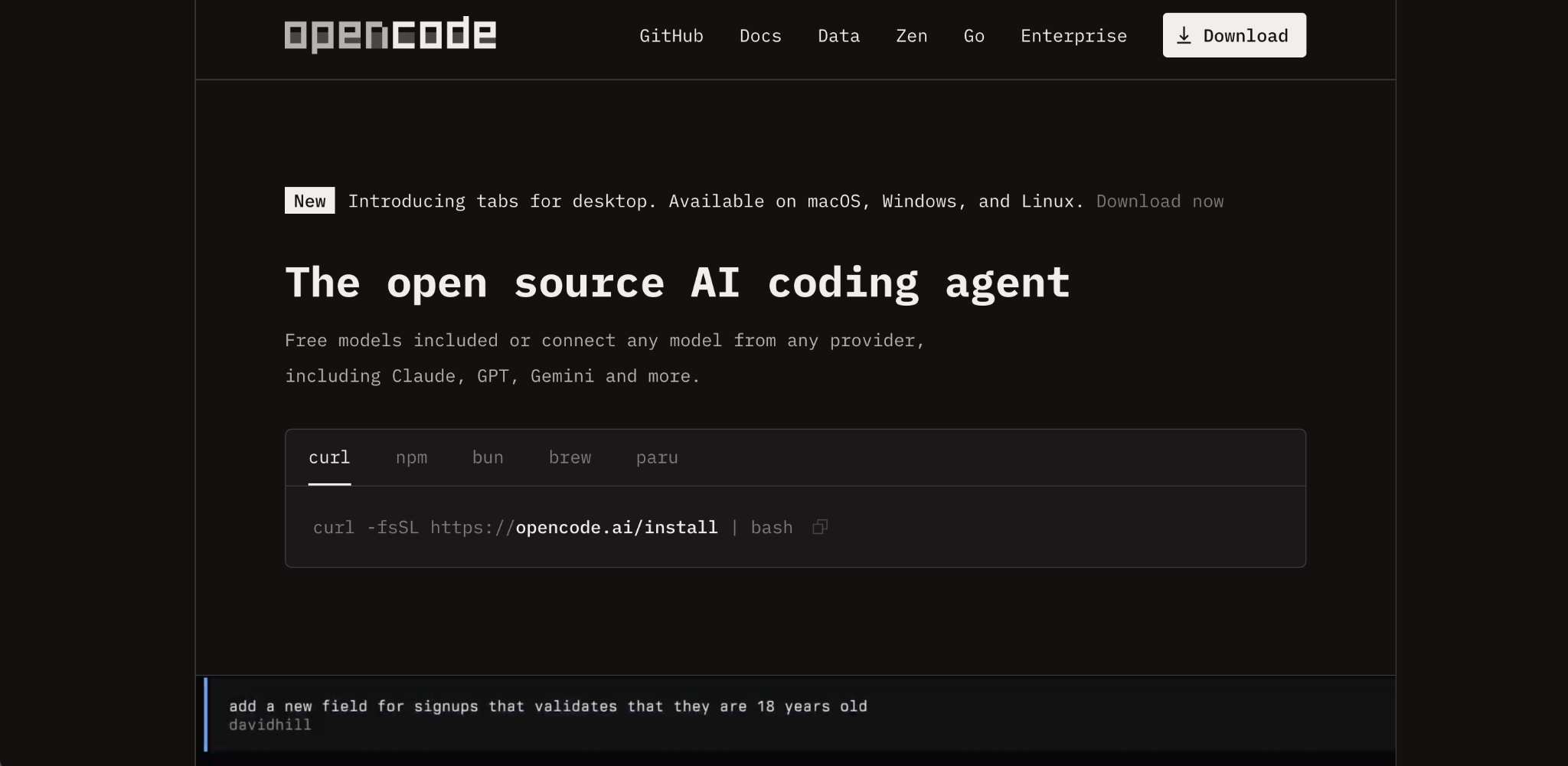
OpenCode is the best GitHub Copilot alternative for provider-agnostic open-source terminal work.
One of the most-starred open-source coding agents, it ships with a set of free models and routes 75+ providers, with local model support, LSP, and multi-session work.
Key features
- 75+ providers: Route nearly any model through the AI SDK and Models.dev.
- Local models: Run open models fully offline.
- Multi-session: Parallel terminal work.
Pros
- ✅ Free to use with free models included.
- ✅ Broadest provider flexibility here.
- ✅ Offline-capable with local models.
Cons
- ❌ Output quality depends on the model you connect.
- ❌ Setup and tuning fall on you.
Best for
- Developers wanting maximum model choice.
- Privacy-first teams.
Pricing
OpenCode is free to use and includes a set of free models. Connecting another provider adds that provider's cost, and its optional Go gateway costs $10/month. See OpenCode's site.
8. Kilo Code
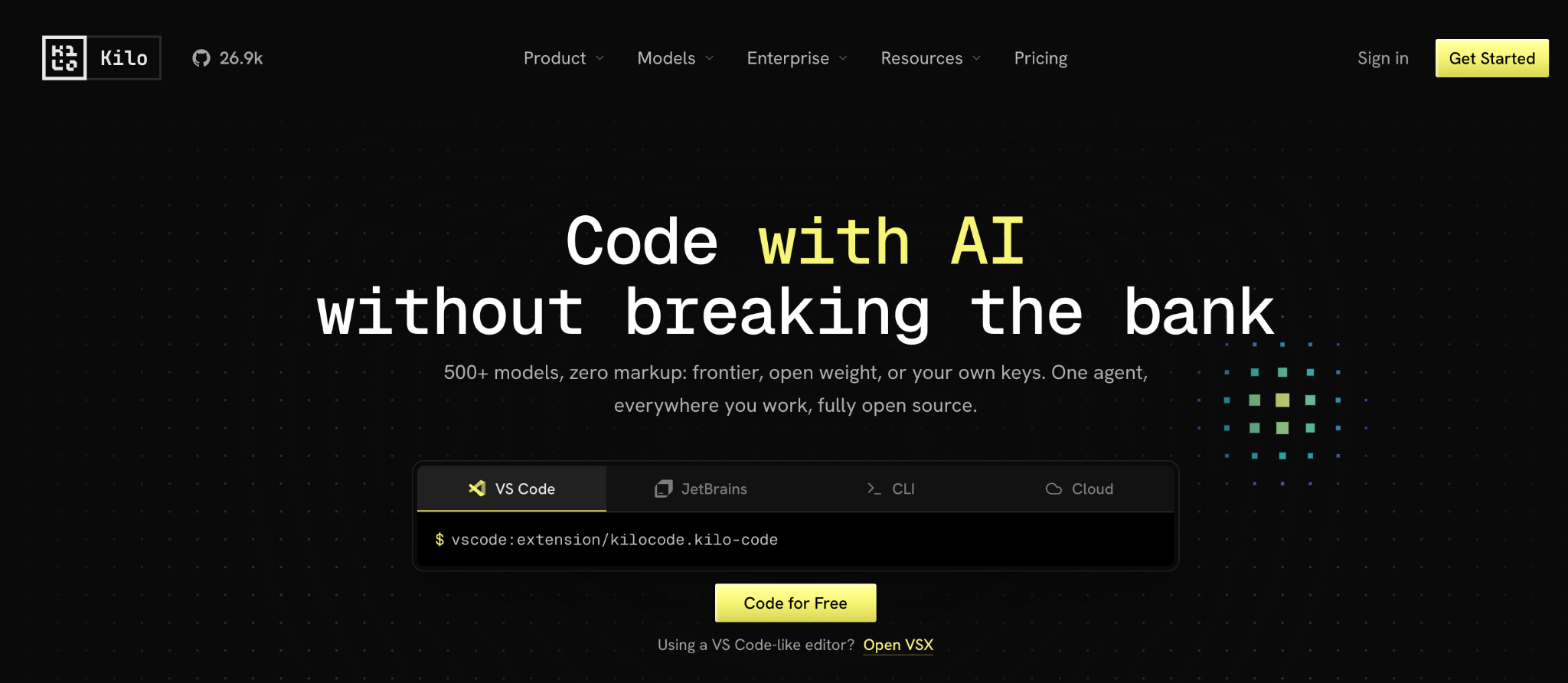
Kilo Code is a strong open-source GitHub Copilot alternative for agentic work in VS Code.
It's an open-source VS Code agent that plans and executes multi-file changes with bring-your-own-key model access, sitting between a completion tool and a full autonomous agent.
Key features
- Open-source agent: Multi-file planning and edits in VS Code.
- BYOK models: Attach your preferred provider.
- Mode switching: Different behaviors for planning and coding.
Pros
- ✅ Free and open-source.
- ✅ Agentic capability without a new editor.
- ✅ Transparent, auditable codebase.
Cons
- ❌ Smaller community than Cline or Aider.
- ❌ Quality tracks the model you attach.
Best for
- VS Code users wanting an open-source agent.
- Teams that must audit their tooling.
Pricing
Kilo Code is free and open-source. You pay your model provider per token. See Kilo Code's site.
9. Tabby
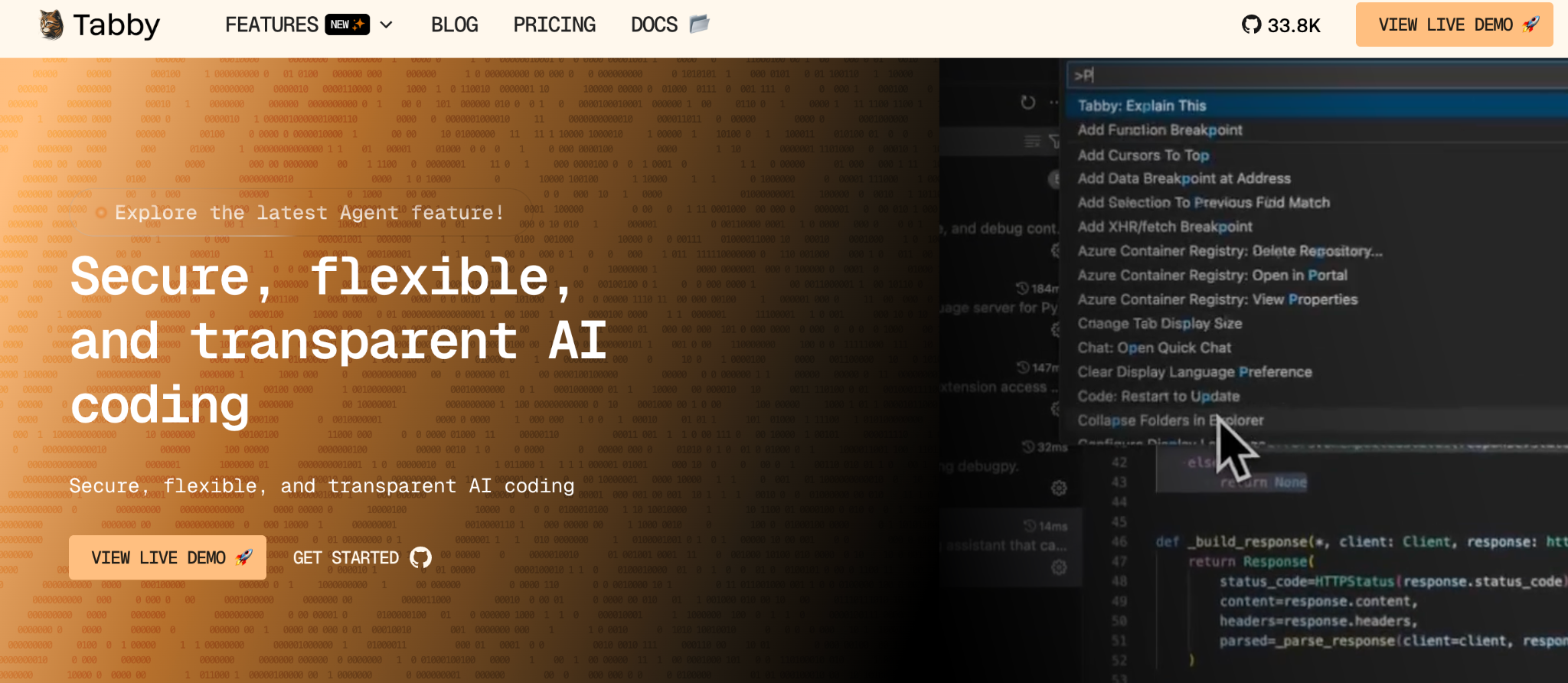
Tabby is the best GitHub Copilot alternative for teams seeking a fully self-hosted, open-source assistant.
It's a self-hosted completion and chat assistant you run on your own hardware, so no code leaves your network. That makes it viable where cloud assistants are banned outright.
Key features
- Self-hosted: Runs entirely on your infrastructure.
- Open-source: Fully auditable.
- Consumer GPU support: Runs without datacenter hardware.
Pros
- ✅ Complete data control, since nothing leaves your network.
- ✅ Community tier is free and open-source.
- ✅ Local deployment on consumer GPUs.
Cons
- ❌ You own hosting, updates, and tuning.
- ❌ Community caps at 5 users, so growing teams pay per seat.
Best for
- Air-gapped or highly regulated environments.
- Teams with infrastructure capacity.
Pricing
Tabby is free and open-source on Community for up to 5 users. Team costs $19/seat/month for up to 50 users, and Enterprise pricing is custom. See Tabby's site.
10. Zed
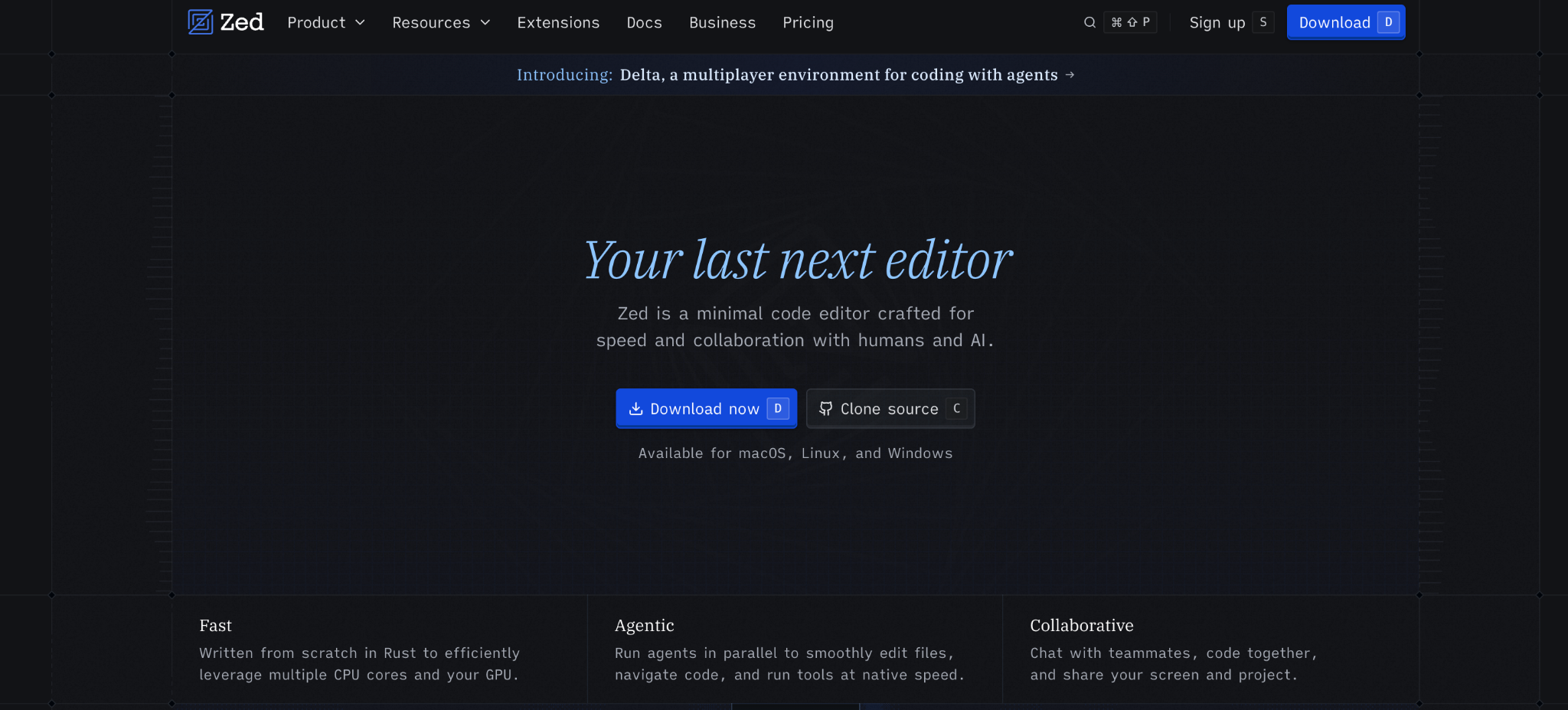
Zed is the best GitHub Copilot alternative for developers who want speed and generous bring-your-own-key terms.
A Rust-built editor with an open-source core, Zed offers sub-50ms latency, GPU-accelerated rendering, an agent panel with parallel agents, and BYOK with no markup on any tier.
Key features
- Agent panel: Parallel agents and external agent support.
- BYOK with no markup: Use your own keys on every tier.
- Performance: Rust-native speed in a purpose-built editor.
Pros
- ✅ Free personal tier with unlimited BYOK use.
- ✅ Fastest editor experience here.
- ✅ Cheaper paid tiers than most AI IDEs.
Cons
- ❌ Smaller extension library than VS Code.
- ❌ Fewer bundled AI features without your own keys.
Best for
- Performance-focused developers.
- Teams wanting BYOK without markup.
Pricing
Zed is free on Personal with your own keys. Pro costs $10/month and Business costs $30/seat/month. See Zed's pricing.
11. JetBrains AI and Junie
JetBrains AI is the best GitHub Copilot alternative for developers living in JetBrains IDEs.
It brings chat, completion, and refactoring into IntelliJ, PyCharm, and the rest. Junie, its autonomous agent, reached general availability in June 2026 and works across the IDE and CLI, sharing a single credit pool.
Key features
- Junie agent: Autonomous work across IDE, tool window, and CLI.
- Deep IDE integration: Language-aware refactoring in JetBrains tools.
- Model range: Claude, GPT, Gemini, in-house Mellum, and local models.
Pros
- ✅ The most native experience in JetBrains IDEs.
- ✅ BYOK and local model support.
- ✅ AI Free ships with every IDE subscription.
Cons
- ❌ Junie burns credits fast on heavy use.
- ❌ Context limits reported on the largest codebases.
Best for
- JetBrains IDE users.
- Developers wanting agentic help without a new editor.
Pricing
JetBrains bundles AI with its IDE subscriptions. IntelliJ IDEA Ultimate costs $19.90/month with AI Free, dotUltimate costs $21.90/month with AI Pro, and the All Products Pack costs $29.90/month. See JetBrains AI pricing.
12. Gemini Code Assist
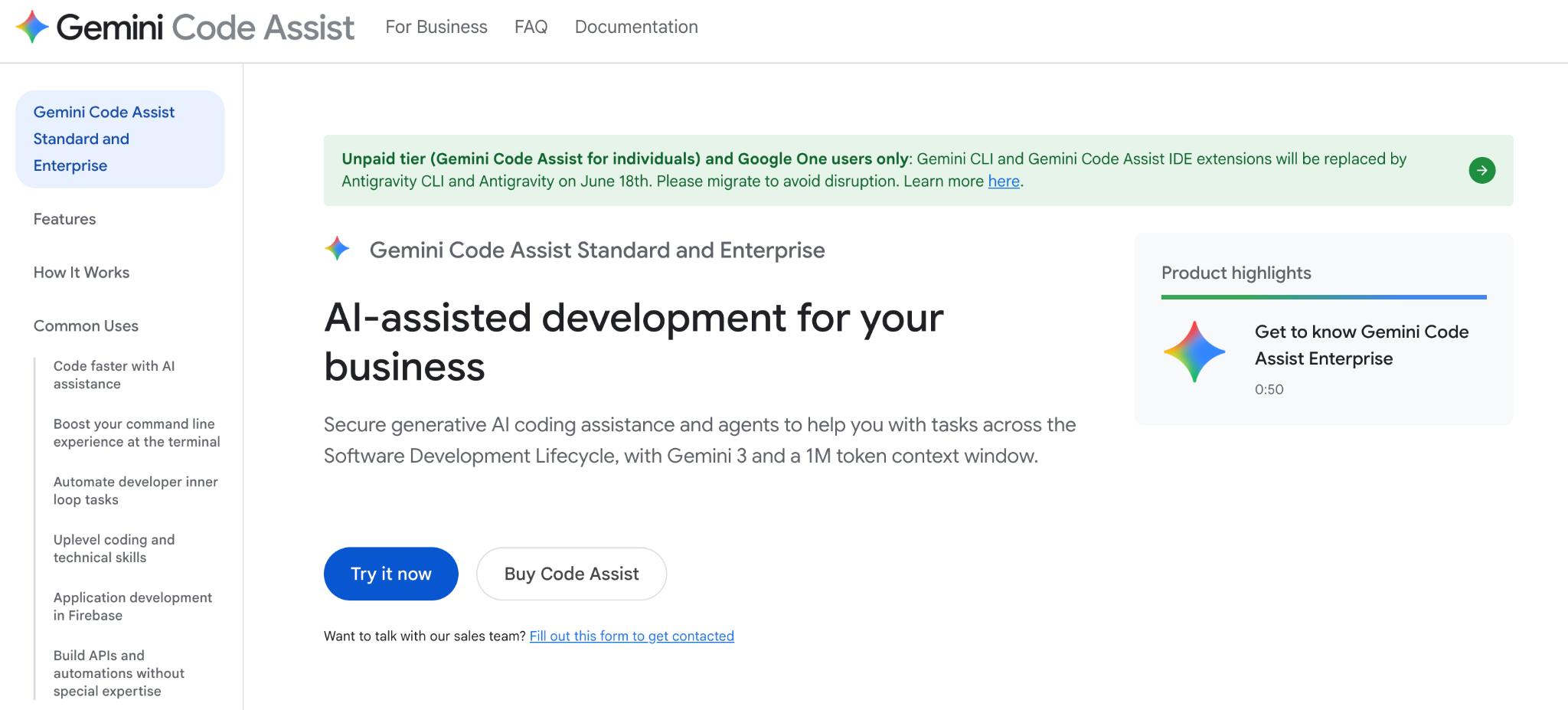
Gemini Code Assist is the best GitHub Copilot alternative for teams already building on Google Cloud.
Google Assistant integrates with VS Code, JetBrains, Android Studio, and Cloud Workstations, with deep Google Cloud and Firebase integration. Standard and Enterprise licenses are the only tiers still served.
Key features
- Broad IDE support: VS Code, JetBrains, Android Studio, and Cloud Workstations.
- Compliance coverage: HIPAA, FedRAMP, and PCI DSS on paid tiers.
- Google Cloud integration: Native connection to Firebase and Cloud services.
Pros
- ✅ Strong Google Cloud and Firebase integration.
- ✅ Enterprise compliance certifications.
- ✅ A 30-day free trial covers up to 50 users.
Cons
- ❌ Google stopped serving the free individual tier on June 18, 2026, moving those users to Antigravity.
- ❌ No permanent free tier, so evaluation runs on the trial.
Best for
- Teams already building on Google Cloud.
- Organizations needing HIPAA, FedRAMP, or PCI DSS coverage.
Pricing
Gemini Code Assist Standard costs $22.80/user/month, and Enterprise costs $54/user/month, both with a 30-day free trial for up to 50 users. See Google's page.
13. Google Antigravity
Google Antigravity is the best GitHub Copilot alternative to try while it's free in public preview.
Google's agent-first IDE runs on Gemini 3, with browser automation and multi-agent orchestration, and it's the destination for free individual users of Gemini Code Assist.
Key features
- Multi-agent orchestration: Coordinate multiple agents for a single task.
- Browser automation: Built-in web interaction for testing.
- Gemini 3 models: Google's current frontier stack.
Pros
- ✅ Free during public preview.
- ✅ Agent-first design from the ground up.
- ✅ Backed by Google's model roadmap.
Cons
- ❌ Pricing after preview hasn't been announced.
- ❌ Preview maturity, so expect rough edges.
Best for
- Developers wanting to test agent-first workflows for free.
- Teams already using Gemini models.
Pricing
Antigravity is free during public preview. Google has not announced post-preview pricing. See Antigravity's site.
14. Amazon Kiro
Amazon Kiro is the best GitHub Copilot alternative for AWS teams and spec-driven development.
Kiro reached general availability on November 17, 2025, as a Claude-powered IDE that generates requirements and tests before code. AWS closed Amazon Q Developer signups on May 15, 2026, and ends support on April 30, 2027.
Key features
- Spec-driven development: Generates requirements and design docs first.
- AWS integration: Built around AWS services.
- Claude-powered: Runs on Anthropic models, with other frontier models available.
Pros
- ✅ Structured approach that reduces rework.
- ✅ Strong fit for AWS-centric teams.
- ✅ Free tier to evaluate.
Cons
- ❌ Credit metering makes heavy use unpredictable.
- ❌ Newer product, so the tooling around it is still forming.
Best for
- AWS-centric engineering teams.
- Teams wanting documented, spec-first delivery.
Pricing
Kiro is free with 50 credits a month. Paid plans start at $20/user/month for Pro with 1,000 credits, then $40/user/month for Pro+, $100/user/month for Pro Max, and $200/user/month for Power. See Kiro's site. Our Amazon Q Developer pricing breakdown covers its predecessor.
15. Tabnine
Tabnine is the best GitHub Copilot alternative for air-gapped, privacy-critical environments.
Tabnine offers fully self-hosted, air-gapped deployment and never stores or trains on your code. It's the long-established privacy pick, with a large VS Code install base.
Key features
- Air-gapped deployment: Fully self-hosted with no external calls.
- Zero code retention: Never stores or trains on your code.
- SDLC agents: Agents across review, testing, and documentation.
Pros
- ✅ The strongest privacy posture in this list.
- ✅ Proven in regulated sectors.
- ✅ Personalized models trained on your own codebase.
Cons
- ❌ No free or individual plan, so solo developers are out of scope.
- ❌ Enterprise pricing puts it out of reach for individuals.
Best for
- Regulated industries and defense.
- Teams that can't send code to a cloud service.
Pricing
Tabnine sells the Code Assistant at $39/user/month and the Agentic Platform at $59/user/month. It no longer offers a free individual tier. See Tabnine's site.
16. Sourcegraph Cody
Sourcegraph Cody is the best GitHub Copilot alternative for enterprises with huge multi-repository codebases.
Backed by Sourcegraph's code-intelligence platform, Cody retrieves context across many repositories at once, which is its real differentiator. Sourcegraph now sells it enterprise-only.
Key features
- Multi-repo context: Retrieves context across roughly 10 repositories at once.
- Code intelligence: Built on Sourcegraph search and navigation.
- Context filters: Admin control over what the AI can read.
Pros
- ✅ Multi-repo understanding no other tool here matches.
- ✅ Serious enterprise admin controls.
- ✅ Self-hosted deployment available.
Cons
- ❌ Sourcegraph retired Cody Free and Pro on July 23, 2025, so individuals are out of scope.
- ❌ Enterprise-only pricing starting at $16K.
Best for
- Enterprises with dozens of microservice repositories.
- Teams needing strict context governance.
Pricing
Sourcegraph sells Cody as part of its Enterprise plan, which starts at $16K and scales with team size. The plan includes credits for AI features. See Sourcegraph's site.
17. Augment Code
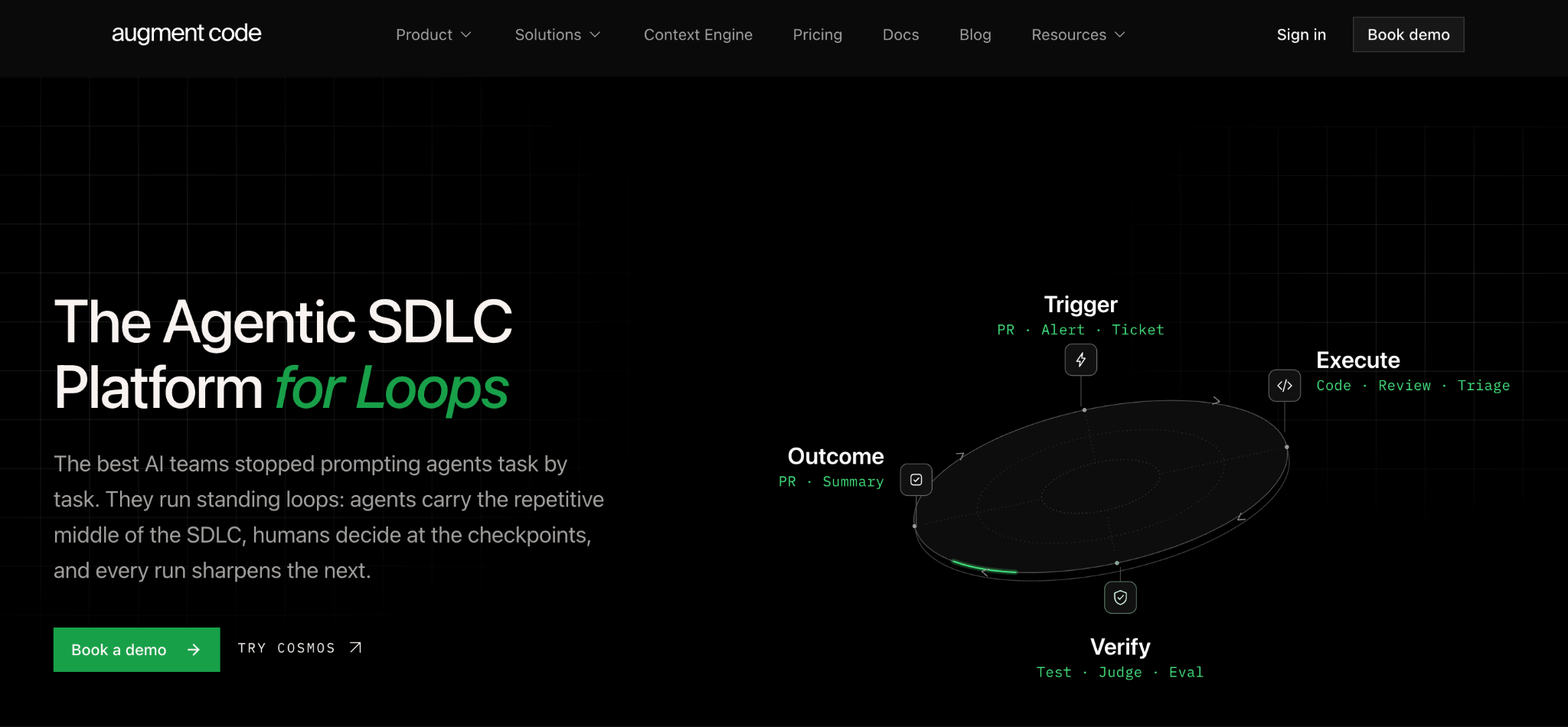
Augment Code is the best GitHub Copilot alternative for large, complex legacy codebases.
It's built around deep context on sprawling enterprise repositories, with cloud agents that carry shared context and memory across tasks. One flat price covers the whole team.
Key features
- Large-codebase context: Built for complex legacy repositories.
- Flat team pricing: One price covers up to 50 seats with no per-seat charge.
- CLI and MCP access: Agents run in the terminal and connect to external tools.
Pros
- ✅ Strong on legacy code most tools handle poorly.
- ✅ Flat pricing removes per-seat math for teams.
- ✅ SOC 2 Type II with no AI training on your code.
Cons
- ❌ Usage beyond the included $100 needs pay-as-you-go top-ups.
- ❌ No individual plan, so solo developers are out of scope.
Best for
- Enterprises maintaining large legacy systems.
- Teams needing agents with persistent context.
Pricing
Augment Code costs $100/month flat for Business, covering up to 50 seats with $100 of usage included. Enterprise pricing is custom. See Augment Code's site.
18. Qodo
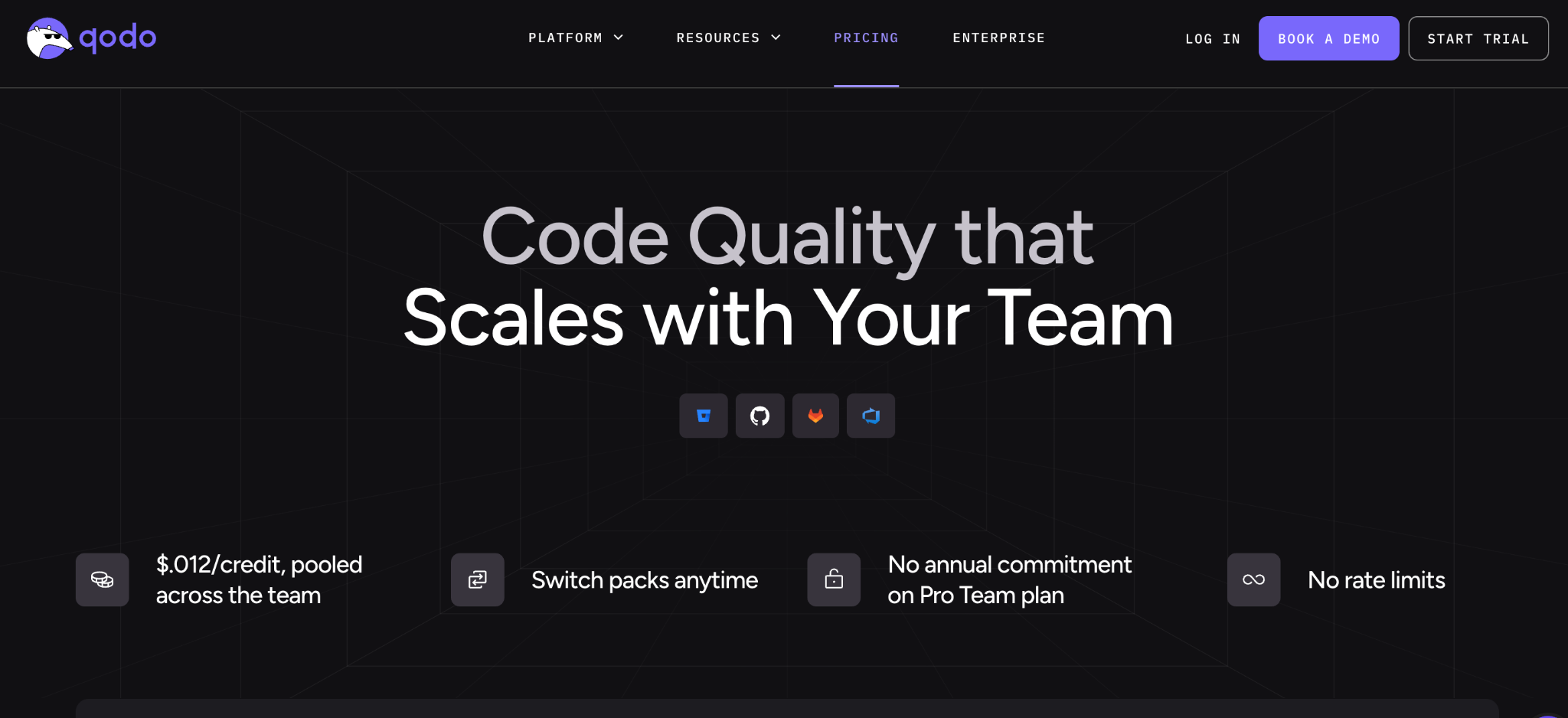
Qodo is the best GitHub Copilot alternative when code quality and test coverage matter more than completion speed.
Formerly Codium AI, Qodo focuses on generating meaningful tests and reviewing pull requests, catching issues that a completion-first tool like Copilot won't surface.
Key features
- Test generation: Creates meaningful test suites, including edge cases.
- PR review: Automated review with suggested changes.
- Pooled credits: Credits are shared across the team at $0.012 each.
Pros
- ✅ The deepest test generation here.
- ✅ Complements a completion tool well.
- ✅ Credits pool across the team.
Cons
- ❌ Narrower than a general coding assistant.
- ❌ The free option is a 14-day trial, not a permanent tier.
Best for
- Teams improving test coverage.
- Organizations with strict code-quality gates.
Pricing
Qodo offers a 14-day free trial with no card required. Pro Team costs $30/month for 2,500 credits, $60/month for 5,000 credits, and $240/month for 20,000 credits. See Qodo's pricing.
19. Replit
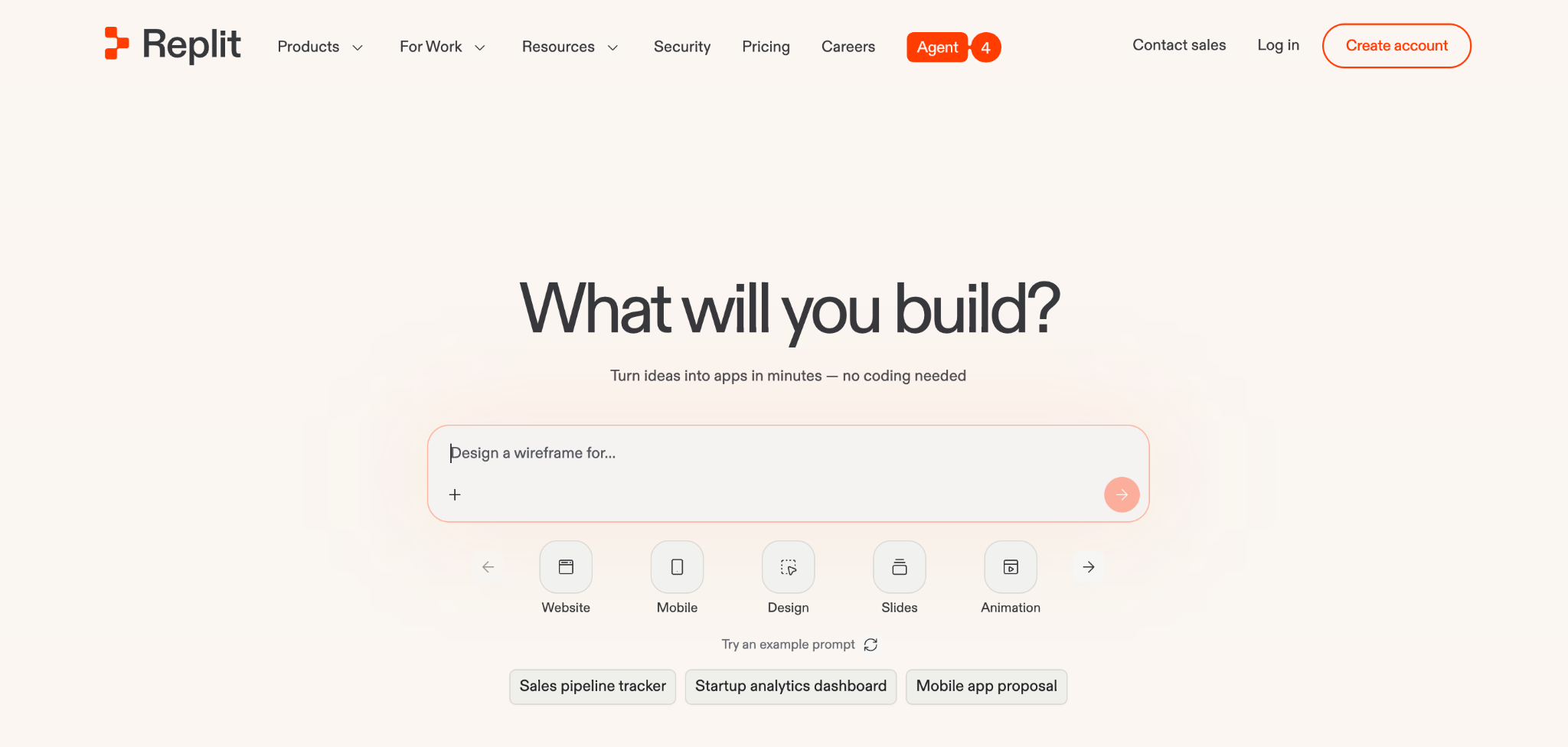
Replit is the best GitHub Copilot alternative for building in the browser with an AI agent.
Its agent plans and writes multi-file projects in a full cloud IDE with a terminal, database, and hosting, so you can go from idea to a deployed app without local setup.
Key features
- Cloud IDE: Editor, terminal, and database in the browser.
- AI agent: Builds multi-file projects from prompts.
- Built-in deployment: Hosting and databases included.
Pros
- ✅ Zero local setup, so it works anywhere.
- ✅ Full code access across many languages.
- ✅ Real-time collaboration.
Cons
- ❌ Effort-based agent pricing is unpredictable.
- ❌ Less suited to large existing codebases.
Best for
- Developers who want browser-based building.
- Prototyping and learning.
Pricing
Replit is free on the Starter plan. Paid plans start at $20/month for Core with $20 in credits, $100/month for Pro, and custom Enterprise pricing. See Replit's pricing.
How to choose a GitHub Copilot alternative
The right pick depends on your main constraint. A few questions to work through:
- IDE, terminal, or browser? AI IDEs like Cursor, Devin Desktop, and Zed suit in-editor work, terminal agents like Claude Code and Aider suit delegation, and Replit suits browser-based building.
- How much does model freedom matter? Open-source tools like Cline, OpenCode, and Kilo Code let you route any model, while Codex and Claude Code commit you to one vendor's stack.
- What are your privacy requirements? Air-gapped or self-hosted needs point to Tabnine or Tabby, since most cloud assistants can't meet them.
- What's your real budget? Account for token and credit costs on agentic work, since sticker price rarely reflects heavy use. Free BYOK tools move the cost to your model provider.
- How large is your codebase? Sourcegraph Cody and Augment Code are built for sprawling multi-repo and legacy systems where general assistants lose context.
- Do you need testing alongside generation? Qodo fills the test-coverage gap left by faster AI coding.
Final verdict
For most developers leaving GitHub Copilot, Cursor is the strongest all-round replacement, with Claude Code the pick for autonomous terminal work and Devin Desktop the friendliest entry point.
If cost is the driver, Cline, Aider, and OpenCode are free and model-agnostic, and Google Antigravity is free while its preview runs.
For regulated teams, Tabnine and Tabby are the realistic options, since they offer air-gapped deployment that cloud assistants can't provide.
Watch this category closely. Cursor acquired Continue.dev and shut it down in June 2026; Sourcegraph went enterprise-only; and Augment Code now sells team plans only. Any list from 2025 is out of date.
When your team needs governed internal apps
Here's a case worth separating out. If you're evaluating Copilot alternatives because non-technical teammates want to build internal tools, that's a different need from replacing a coding assistant.
Every tool above assumes a developer at the keyboard.
In that case, Superblocks is the governed enterprise vibe coding platform, built on a SOC 2- and HIPAA-aligned foundation, where business teams build internal apps with AI within IT-set guardrails once.
Shadow AI is the new shadow IT, and a governed platform keeps that building visible. For example, Virgin Voyages had non-technical teams build 15+ production apps across seven departments with governance intact.
Clark AI generates those apps from a prompt, and they automatically inherit your RBAC, SSO, and audit policies. Teams comparing AI app generation platforms can see how the governance layer differs from that of a coding assistant.
To try governed app building for yourself, start with the Superblocks Quickstart Guide.
Or book a demo to see Clark AI generating governed apps in your own environment.
Frequently asked questions
What is the best GitHub Copilot alternative?
The best GitHub Copilot alternative is Cursor for most developers who want an AI-native editor with agent mode and model choice. Claude Code leads for autonomous terminal work, and Cline is the strongest free open-source option.
Is there a free GitHub Copilot alternative?
Yes, several GitHub Copilot alternatives are free. Cline, Aider, OpenCode, Kilo Code, and Tabby are open-source and free to install. Most need your own model key, and OpenCode ships with free models.
Why are developers leaving GitHub Copilot?
Developers are leaving GitHub Copilot mainly over its June 2026 switch to usage-based AI Credits, weaker agentic depth than Cursor or Claude Code, context limits in large codebases, and no air-gapped deployment.
What is the best GitHub Copilot alternative for privacy?
The best GitHub Copilot alternatives for privacy are Tabnine and Tabby. Tabnine offers air-gapped deployment and never trains on your code, while Tabby is free and open-source, allowing you to self-host.
Is Cursor better than GitHub Copilot?
Cursor is better than GitHub Copilot for agentic, multi-file work and model flexibility, since it's an editor built around AI. GitHub Copilot remains better for broad IDE support and its lower $10/month entry price.
Is GitHub Copilot still free?
Yes, GitHub Copilot is still free on the Copilot Free plan, which carries a monthly AI Credit allotment. Paid plans add more credits, and annual subscribers move to Free when their term ends.
What is the best GitHub Copilot alternative for enterprises?
The best GitHub Copilot alternatives for enterprises depend on your constraints. Tabnine fits air-gapped needs, Sourcegraph Cody handles huge multi-repo codebases, and Augment Code targets legacy systems.
At Virgin Voyages, non-technical teams now build their own AI apps, with IT governance fully intact. The result: 15+ production apps, seven departments onboard, and zero dedicated frontend engineers.
At Matthews, a marketing manager with zero coding background built an app that auto-generates offering memorandums, cutting turnaround from days to hours. See how the brokerage is putting AI builders on every team, with full governance intact.


Stay tuned for updates
Get the latest Superblocks news and internal tooling market insights.
Request early access
Step 1 of 2
Request early access
Step 2 of 2

You’ve been added to the waitlist!
Book a demo to skip the waitlist
Thank you for your interest!
A member of our team will be in touch soon to schedule a demo.
production apps built
days to build them
semi-technical builders
traditional developers
high-impact solutions shipped
training to get builders productive
SQL experience required
See the full Virgin Voyages customer story, including the apps they built and how their teams use them.

"Those tools are great for proof of concept. But they don't connect well to existing enterprise data sources, and they don't have the governance guardrails that IT requires for production use."
Table of Contents
%20(1).png)

Multiple authors
12 AI Agent Deployment Best Practices [2026]
AI agent deployment best practices that move an agent from offline evals to full traffic in stages, with scoped tools and a way to revoke it mid-task.
%20(1).png)
%20(1).png)